I recently got a B wine F7GB2
Welcome from the Hampton Roads area of Virginia, USA.
Since you are a New Drone Pilot, there are a couple of Legal Things you may need to do…
First, if you have not already done so and you want to fly your drone recreationally, you will need to get your TRUST Certificate. You can get that at the Pilot Institute Web Site (FREE…). This Link is to the Pilot Institute Web Site where you can get your TRUST Certificate. (FREE…)
Get your FAA TRUST Certificate of Completion to legally fly drones for recreational reasons in the United States.

trust.pilotinstitute.com
Your Drone weighs more than 250-grams (0.55 pounds), and even while you are flying under The Exception for Recreational Flyers, you are required to register your Drone. This link is to the FAADroneZone where you can register your Drone. The cost is $5.00…

faadronezone-access.faa.gov
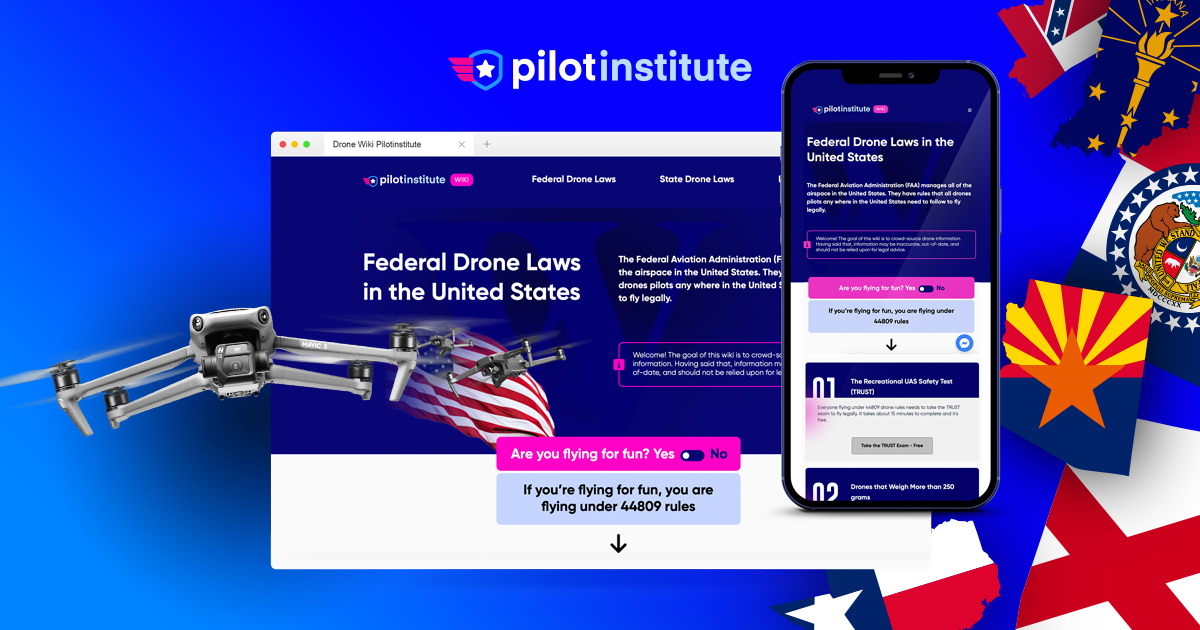
Since you live in VIrginia, there are specific laws and rules for you to follow, please check the link below for all the Rules and Laws that are in effect in your neck of the woods and it also links you to some of the Best Places to Fly in your area… Also, if you travel on vacation, visit friends, and relatives in other parts of the country, check back here so you do not run afoul of the law.
44809 is an exemption from Part 107 drone laws. This means that drone pilots fly under Part 107 drone rules by default unless they meet all 9 of the requirements to fly under 44809, the exception for limited recreational operations of unmanned aircraft. You can read more about these requirements...

pilotinstitute.com
Even if you have flown Drones before, here is some Good Old Fashion Advice…
You paid a lot of money for that Drone, put your phone number on it. If your Drone gets lost or stuck in a tree and it finally comes down when you are not around, give the finders an opportunity to contact you so it can be returned.
Now, for the Fun Part, But do not let the excitement of the moment get the best of you. When you are going out to fly, do it slowly and deliberately. Get used to a set procedure and even practice it.
There are so many things I could write but these are the highlights that I feel need mentioning.
If your Drone's Controller needs a Phone/Tablet to work, plug it into your Controller; turn on the Controller and start the App if it does not start on its own. On the Drone, open the front legs and the back legs, then remove the Gimbal Cover.
The Gimbal is the most delicate item on the Drone and banging or bumping can damage it. I also fastened a short "Remove Before Flight" ribbon to the cover so it's more noticeable and I do not forget to remove it…
Turn on the Drone and watch it come to "life." Watching the Gimbal go through its self-check is almost like watching a puppy or kitten opening its eyes for the first time…
Place the Drone down preferably on a Landing Pad while it finishes its self-test (collecting satellites if it has GPS, etc…).
Check your Battery Status (Phone, Drone, and Controller), check the Signal Strength, by now the Controller should have reported it updated the Home Point if GPS capable.
Lift off, 6- feet (2-meters) or so, hover a bit, check the controls (move the drone a bit forward, back, left, right, yaw left and right). By now, your Controller will probably report again, Home Point Updated (if the drone has GPS).
If you go out in a rush and race thru your start up and take off before the Drone has finished it prep, it may update its Home Point over that pond or that old tree you are flying over and in your excitement, you'll fly the Drone long past it Low Battery point and when it engages Return to Home and lands in the pond or in a tree; it will be all on you…
Now go have fun, learn to fly the Drone by sight before you try to fly it out a distance depending on the video feed, FPV.
I would also advise you to use YouTube and watch a lot of the Videos on flying and setting up the Drone. When it is too dark, too cold, or too wet, you can "fly it vicariously" through YouTube. Also watch some of the Blooper Drone Videos and learn how not to fly your "New Baby."
Fly On and Fly Safe…